Time It: Time and Calendar
Training Goal
Time It supports functional cognitive skills for time awareness, time estimation, clock reading, and calendar use. It strengthens the practical abilities patients need for daily routines: arriving on time, anticipating durations, understanding schedules, and placing appointments correctly.
What is trained
- Time perception / internal clock (estimating and anticipating seconds)
- Attention and pacing (staying with a rhythm over time)
- Clock skills (reading times, setting a clock, linking activities to times of day)
- Time calculations (adding/subtracting time, elapsed time)
- Calendar literacy (reading weekly/monthly calendars and locating appointments)
Program Structure (3 Adaptive Modes)
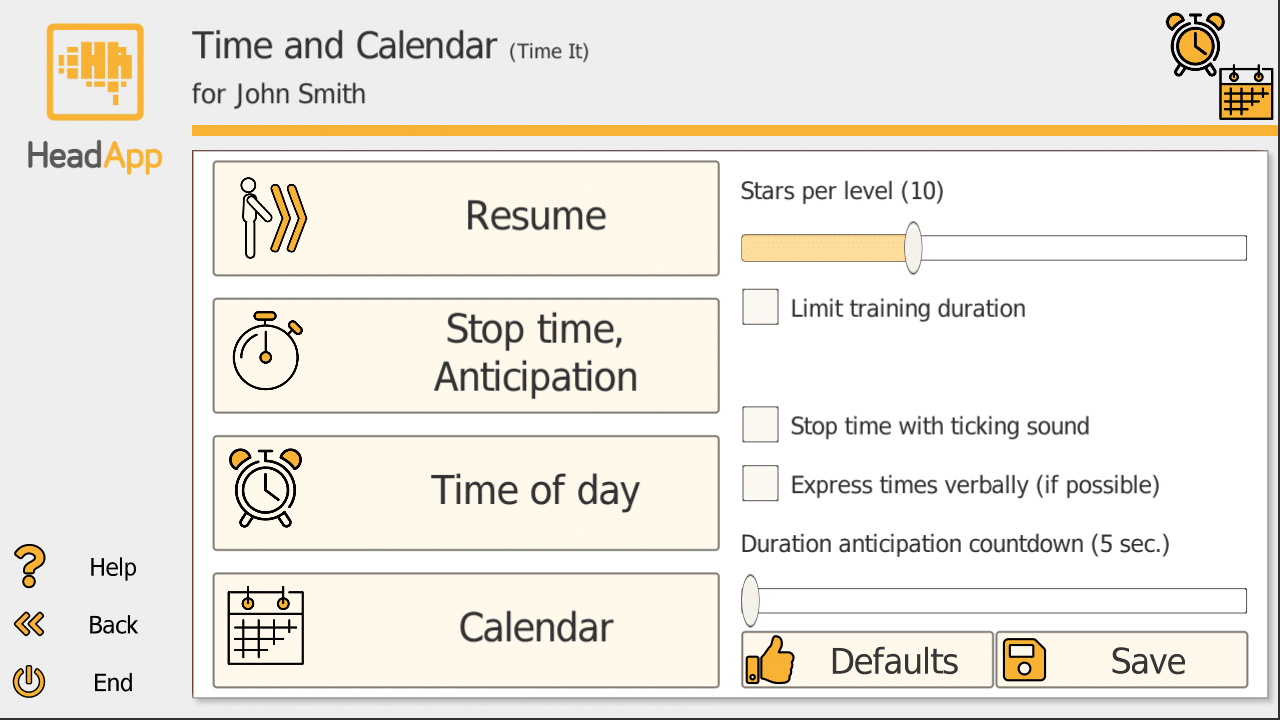
1) Stop Time / Anticipation
Trains time estimation and stopping a countdown exactly at zero. In anticipation variants, the number fades out -- patients must mentally track the rhythm.
2) Time of Day (Clock Skills)
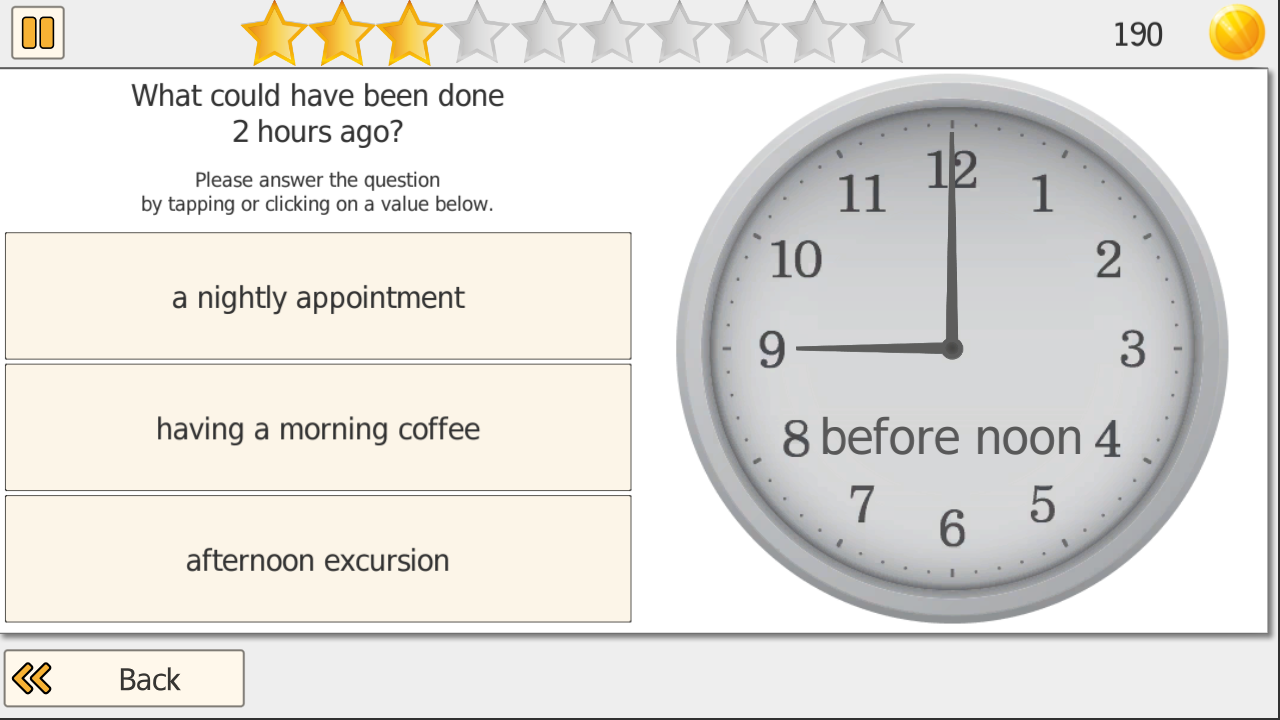
Improves practical handling of time across 10 difficulty levels. Early levels: recognize times. Mid levels: set the clock. Higher levels: reasoning and calculations (e.g., "What time will it be in 2 hours?").
3) Calendar
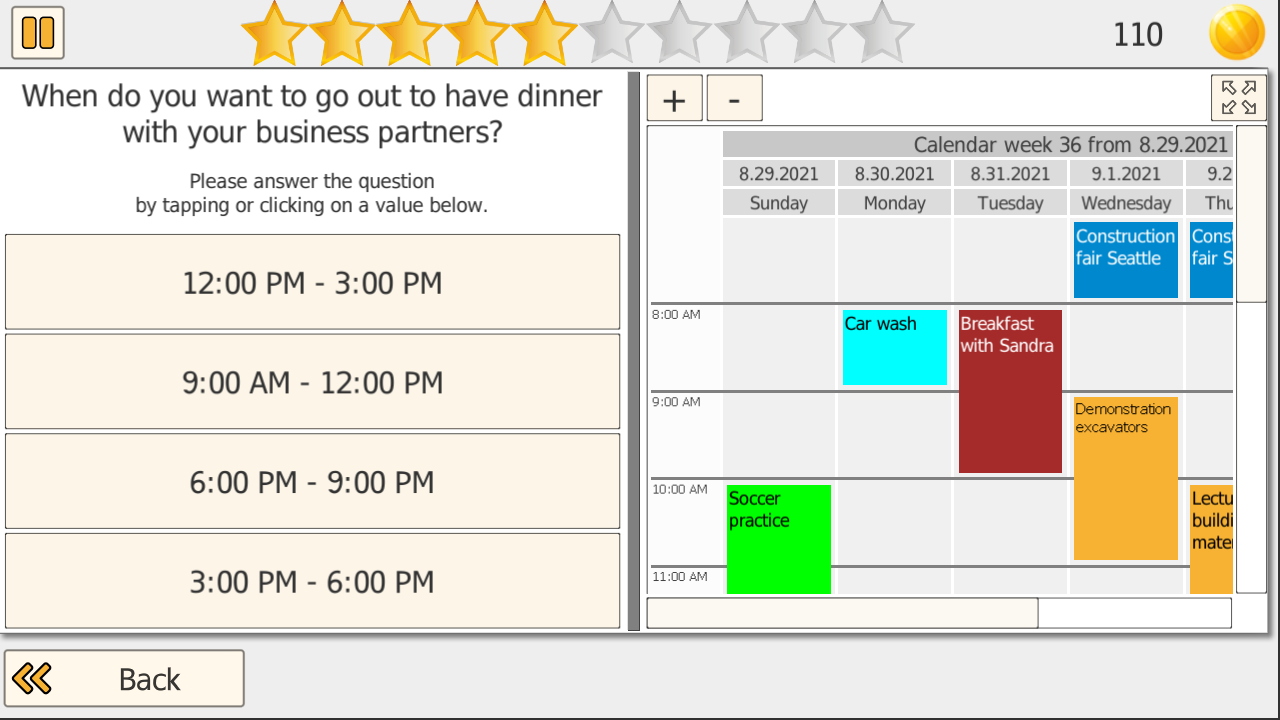
Trains reading and using calendars across 4 difficulty levels. Uses monthly and weekly calendars. Patients answer multiple-choice questions about events, placing appointments, identifying conflicts, and locating the correct day/time.
Settings (Therapist Controls)
- Stars per level: Sets items before performance evaluation. Difficulty adjusts based on performance.
- Limit training duration: Cap session length (10-60 min). Typical clinical use: 10-30 minutes.
- Ticking sound: Adds auditory beat to support time perception and rhythm tracking.
- Duration anticipation countdown: Longer countdown = more challenging in anticipation levels.
Example Use Case (MCI, Outpatient)
A 72-year-old client with mild cognitive impairment mixes up appointment times and loses track of time. Over 6-8 weeks: Calendar mode for finding dates and placing appointments, Time of Day for clock reading, and brief Stop Time warm-ups for pacing. Home practice: 10-15 min, 3-5 days/week.

Match It: Matching Pairs, Visual Scanning, Calculating and Money
Training Goal
Match It trains visual aspects of selective attention, divided attention, and visuospatial attention. Across all task types, it strongly targets visual scanning, because patients/clients must continuously scan a broad area of the screen to find correct matches.
Training Modes
- Basics: Place numbers and/or letters in ascending or descending order
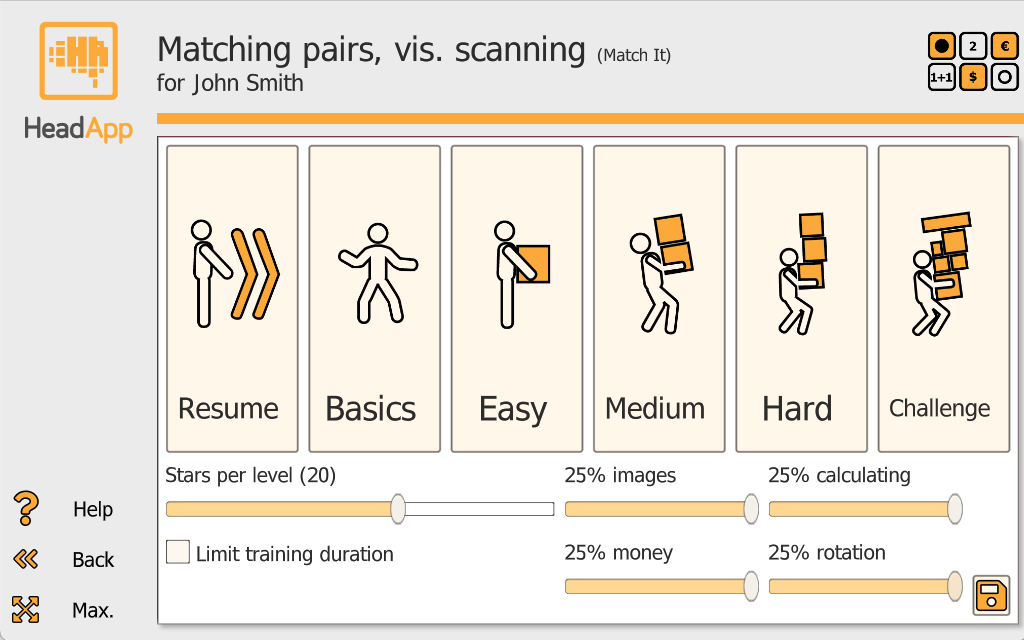
- Images: Compare images and find the matching pair
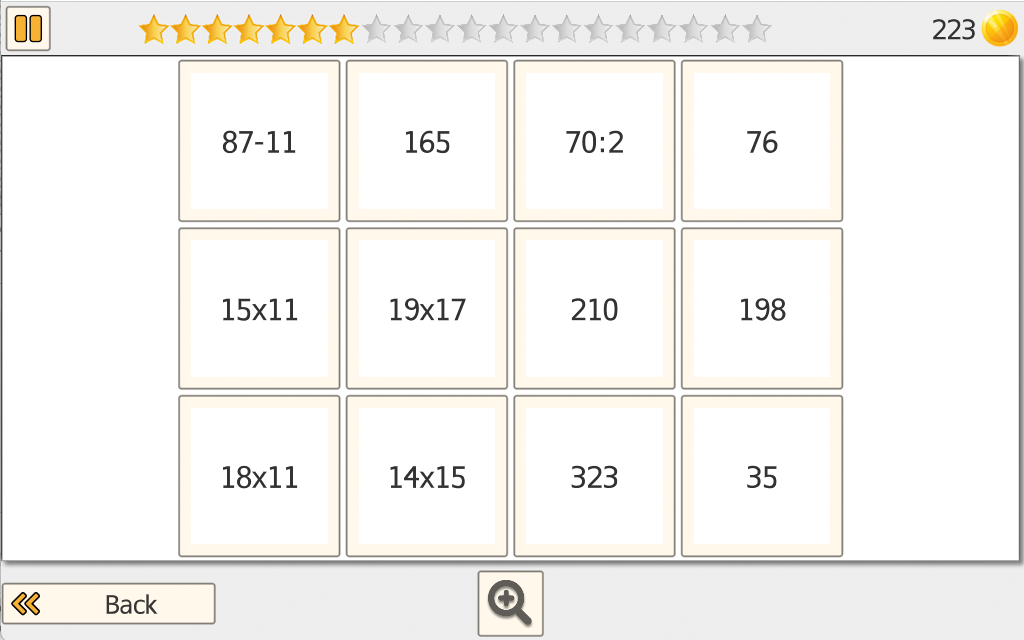
- Calculating: Match calculation problems to the correct result
- Money: Match amounts or correct money combinations
- Rotation: Identify matching items that may be rotated, training visuospatial processing
Settings
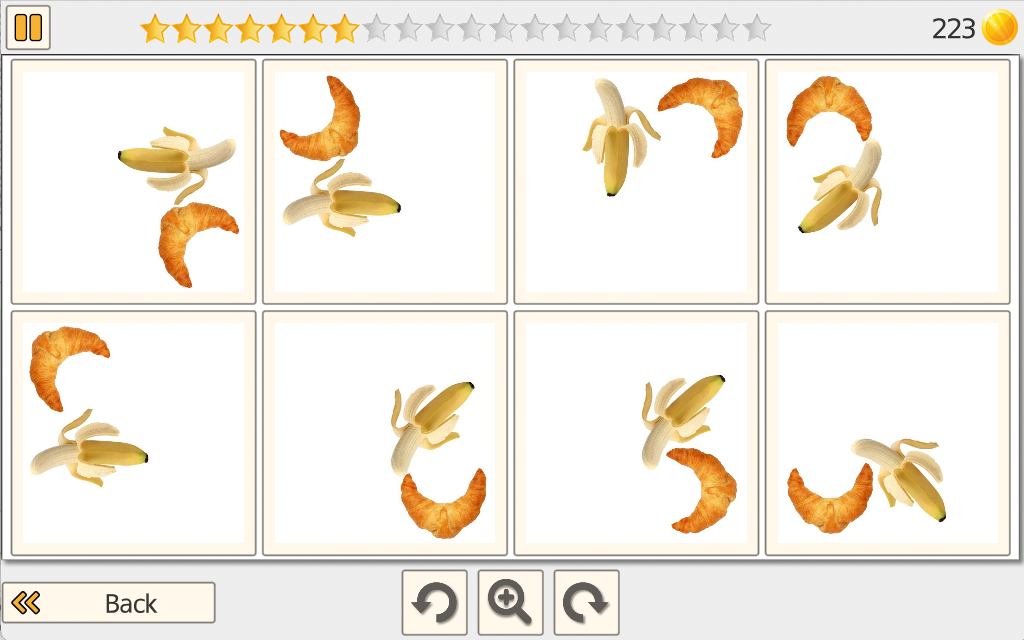
Stars per level: Sets how many tasks must be solved before performance is evaluated for a possible change in difficulty.
Limit training duration: Cap session length between 10 and 60 minutes.
Training mode mix: Adjust the percentage of the four training modes using sliders to create a tailored mix.
Adaptive Difficulty
Difficulty adjusts automatically based on the percentage of correctly matched pairs. Match It offers four degrees of difficulty (Easy, Medium, Hard, Challenge), and each degree includes 8 levels.
Example Use Case
Outpatient neurorehab (stroke): A 59-year-old outpatient stroke survivor reports, "I miss things on the screen and it takes me forever to find what I'm looking for -- especially when there's a lot going on."
The clinician uses Match It 2-3 times per week for short, focused blocks (10-15 minutes) to rebuild efficient scanning and visual comparison. Early sessions emphasize Images and Basics to establish a consistent scanning routine (left-to-right search, checking rows/columns) and improve speed without overloading.
As accuracy stabilizes, the therapist increases the share of Rotation to target visuospatial processing, and adds Calculating/Money for patients who need a higher cognitive load or functional carryover (e.g., shopping, paying, checking change).

Vita Plan: Thinking and Problem Solving
Aim of the Training
Vita Plan targets core executive functions used in everyday life -- especially planning, problem solving, and working memory. The tasks are auto-adaptive, so the challenge quickly adjusts to the patient/client's current performance level, supporting efficient practice without constant manual re-setting.
Patient/Client Task
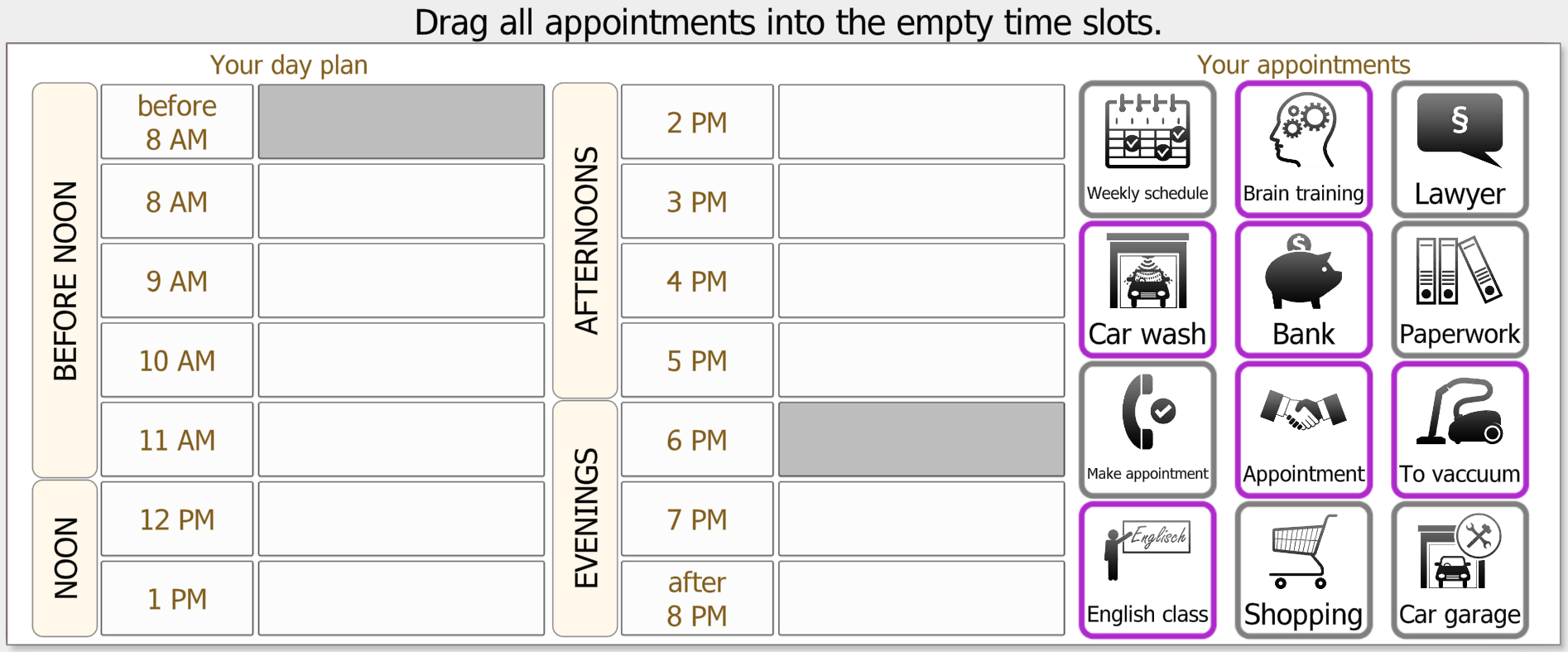
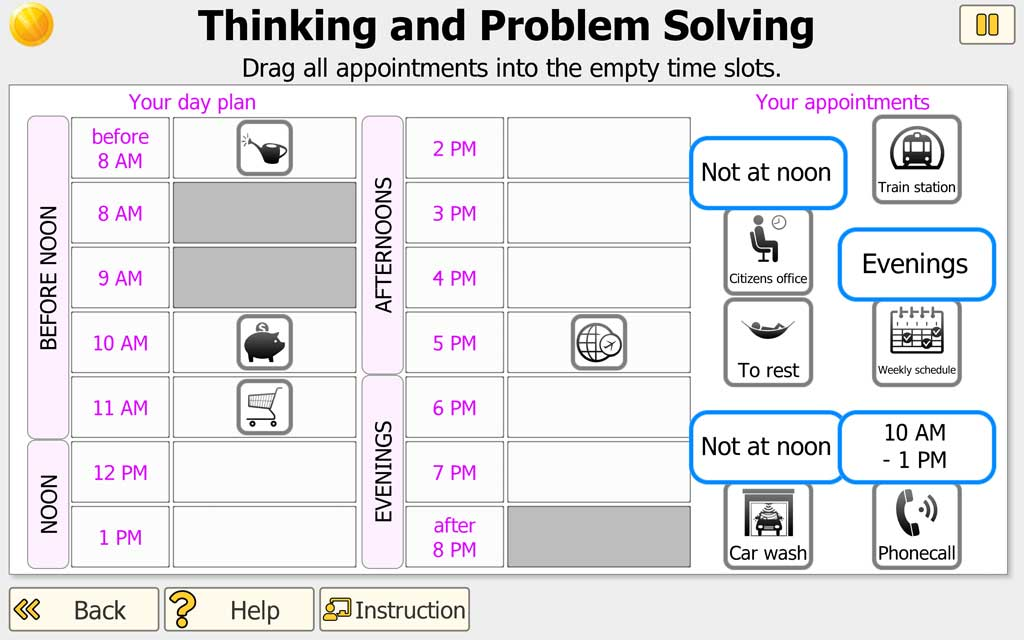
The patient/client sees a one-day schedule (time slots) and a set of appointments/activities (icons). Their job is to drag each appointment into the correct time slot so the day plan makes sense.
Each appointment has time rules/constraints (e.g., "not at noon," "between 10 AM and 4 PM," "evenings," etc.). When the patient/client clicks/taps an appointment, the rule is shown, and they use that information to place it correctly.
Settings
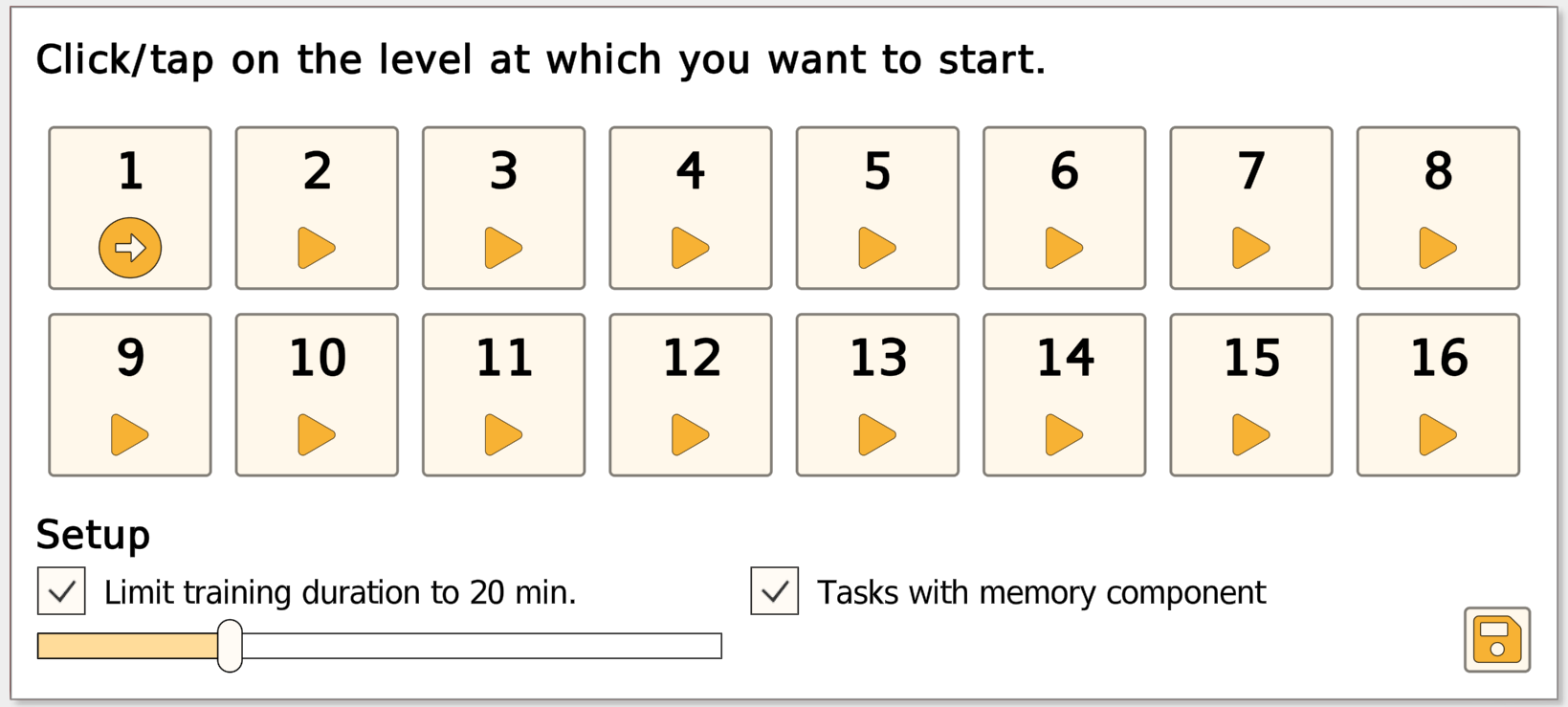
Training duration (10-60 min): You can cap session length for time management and fatigue control. A common clinical session length is ~20 minutes, while shorter blocks (e.g., 10 minutes) may be appropriate for reduced endurance.
Tasks with memory component: When enabled, the session includes items that require the patient/client to hold constraints in mind (e.g., limited look-up of certain information), increasing working memory load.
Progress tracking: Progress is saved automatically. The next session resumes at the difficulty level where the last session ended, supporting continuity across clinic visits and home-based practice.
Level Progression
As difficulty increases, Vita Plan adds realistic planning demands:
- Blocked time slots: From ~Level 5, some time fields are grayed out
- Linked appointments: At higher levels, some tasks must be scheduled together
- Complex packing: From ~Level 7, two appointments in one slot or spanning two slots
- Memory component: From ~Level 13, some information is "view once"
Example Use Case
Outpatient OT (mild TBI): A 34-year-old client in outpatient OT after a mild TBI says, "I can do things, but I get overwhelmed when I have multiple errands -- my day falls apart if one thing changes." The therapist introduces Vita Plan to train structured scheduling and rule-based planning.
In the first 2-3 weeks, the client practices 10-15 minutes per session using simple constraints (e.g., "not at noon," "afternoons") to rebuild a reliable planning routine.
Over the next weeks, the clinician increases complexity by adding blocked time slots and linked appointments, then selectively enables the memory component so the client must keep constraints in mind while completing the schedule.
Progress is reviewed via the saved difficulty level and accuracy trends, and the therapist ties improvements to functional goals such as managing appointments, coordinating transportation, and planning multi-step errands.

My World (Photo Album): Activity-Oriented Training for Real-Life Routines
Aim of the Training
My World enables occupation-based / activity-oriented therapy by turning a client's everyday life into structured, repeatable digital training. Therapists can create individualized tasks that support self-care, productivity, and leisure (CMOP-E framing), and use the same content both in-clinic and in home training.
What is Trained
- Functional cognition: planning, sequencing, follow-through
- Memory for routines: learning and recalling steps
- Attention to details: in real-life scenes
- Language comprehension: headlines, questions, answers
- Generalization: content from the client's actual environment
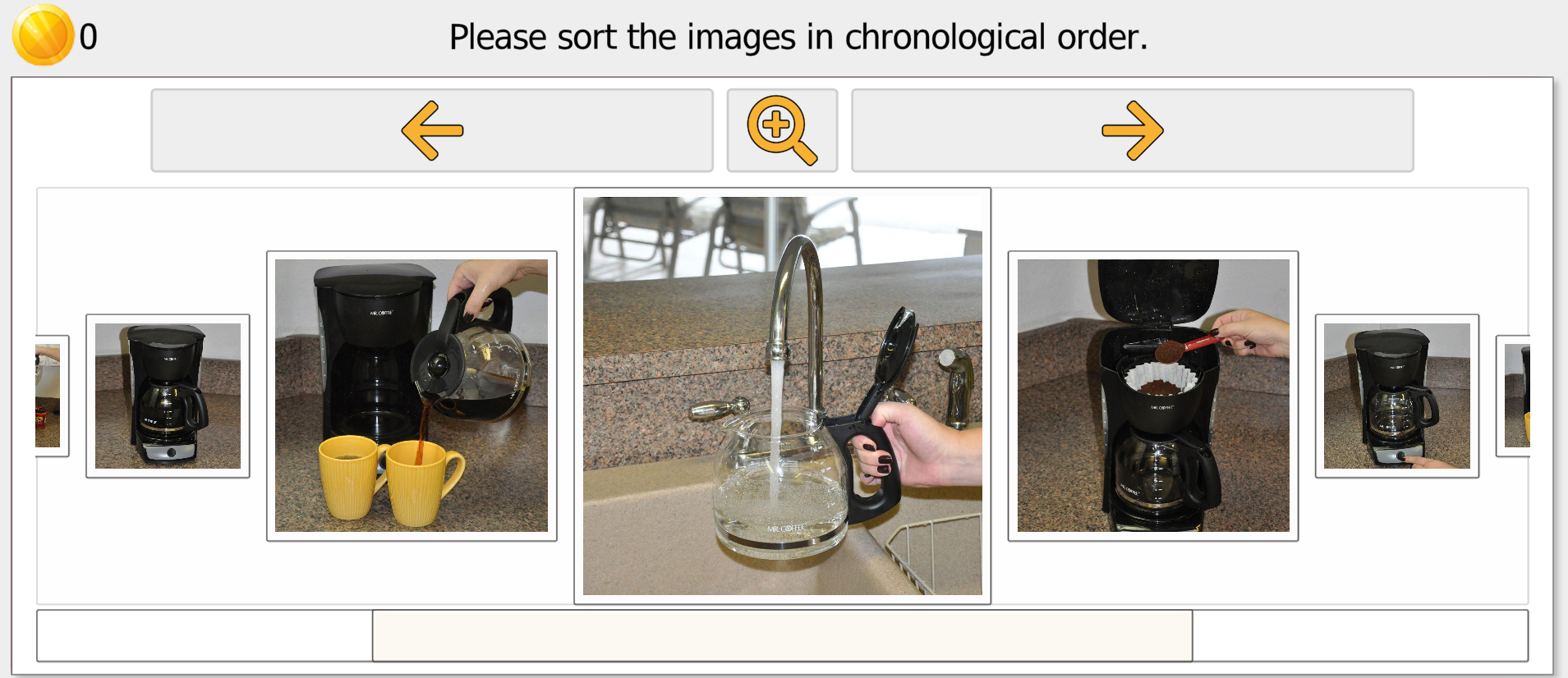
Therapist Workflow
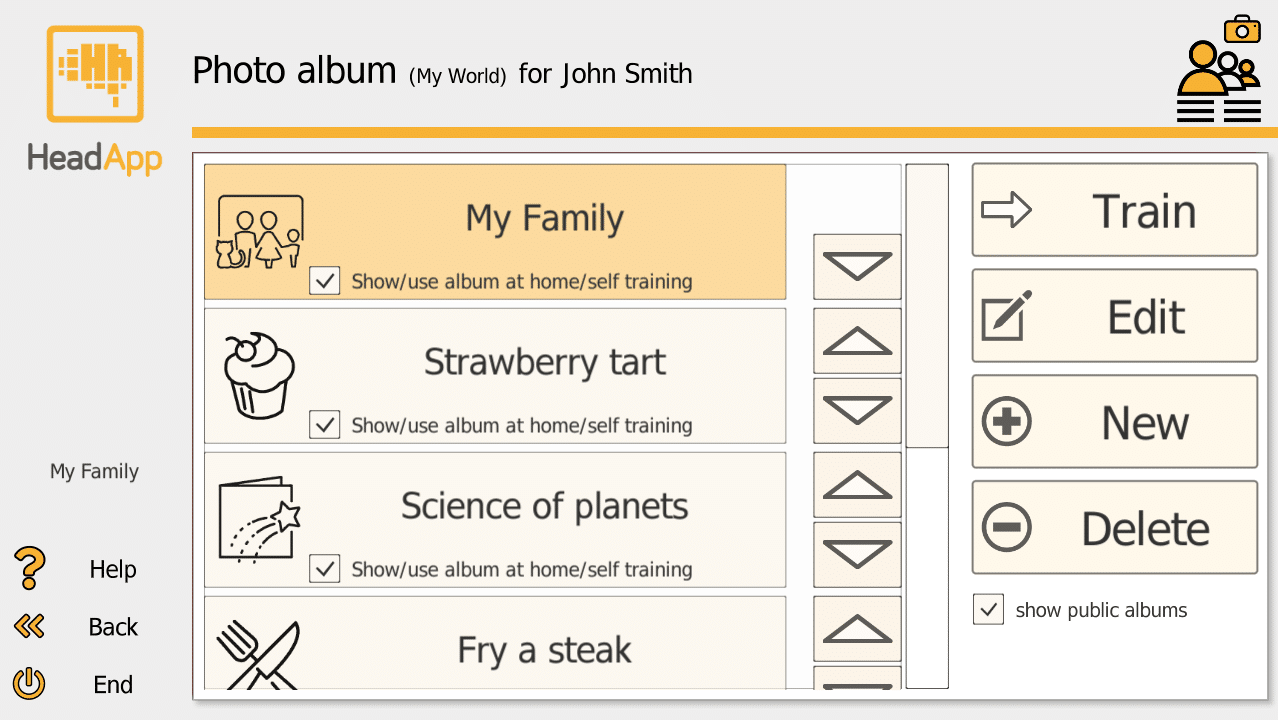
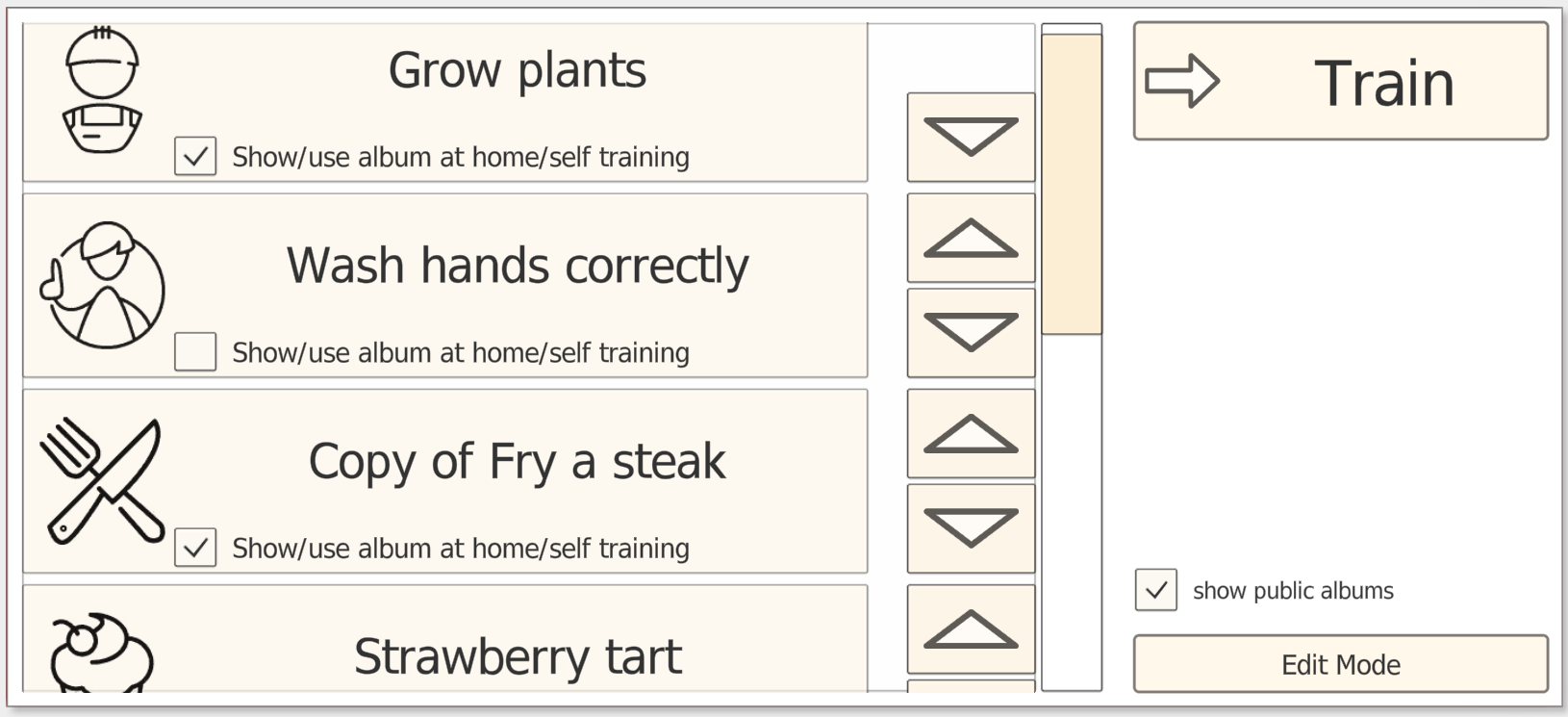
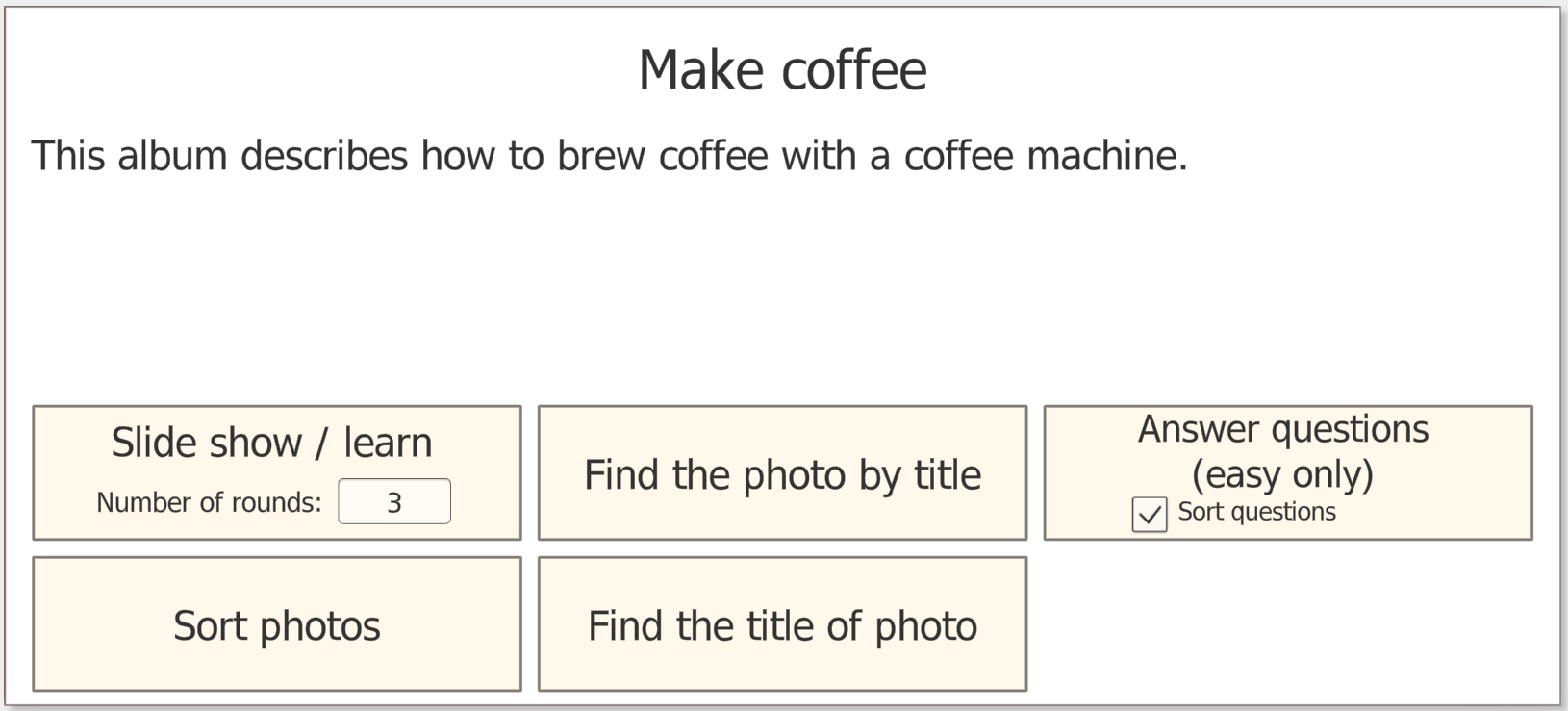
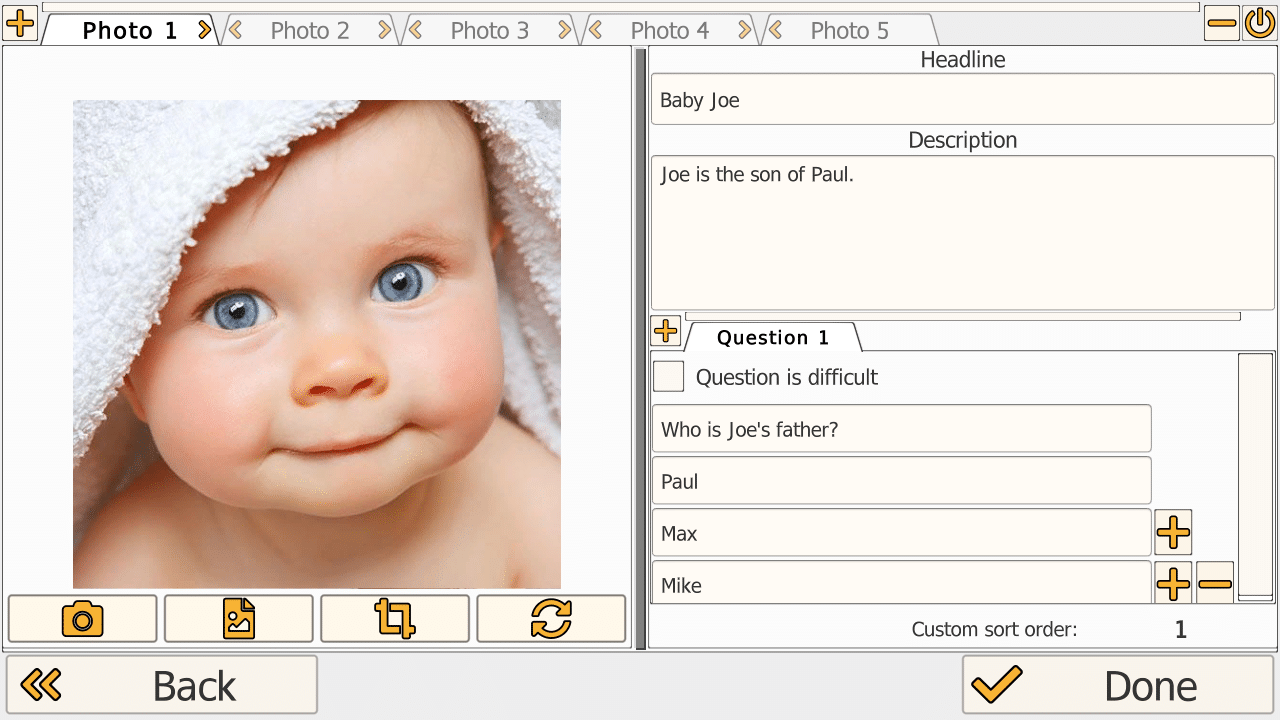
Build training content by creating personalized tasks from real-life photos or selecting from ready-made templates. Create an album, add photos (take directly or import), add structure (headline, description, questions with multiple-choice answers), and decide availability for home training.
Training Modes
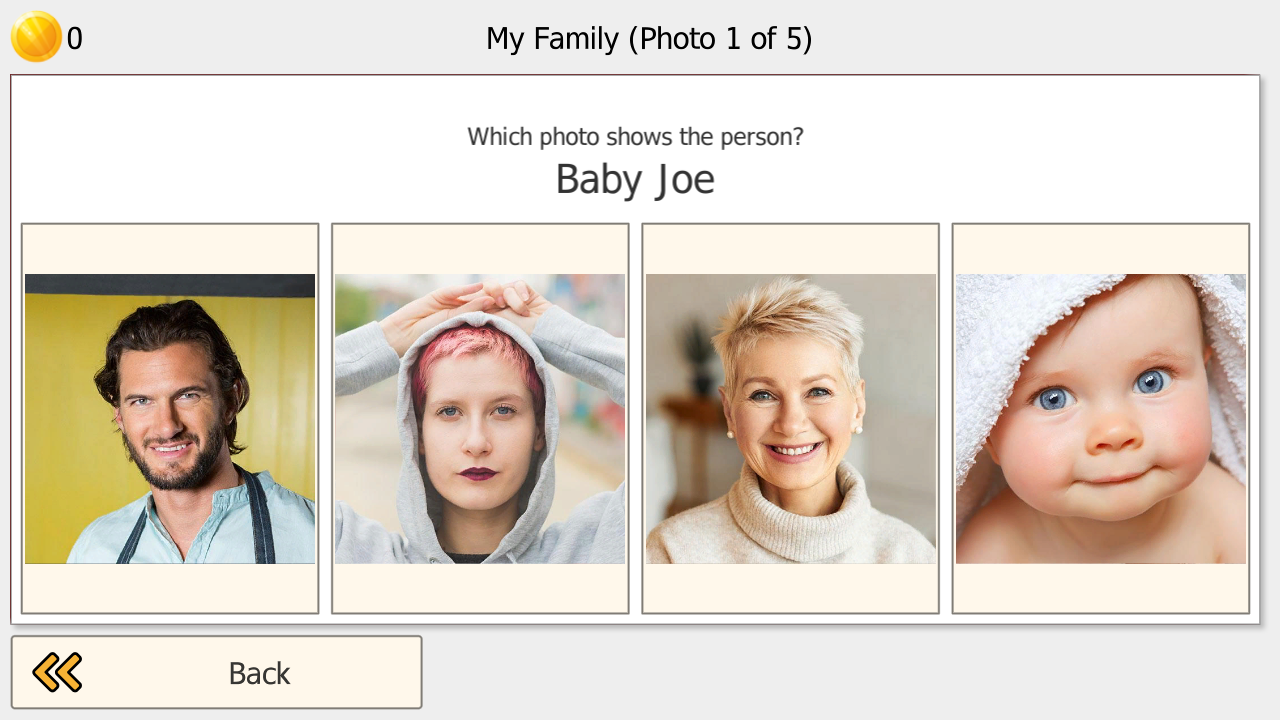
- Headline to Photo: find the picture for the headline
- Photo to Headline: find the headline for the picture
- Sequencing: sort photos into correct order (daily routines)
- Q&A: answer multiple-choice questions about photos
Example Use Case
Outpatient OT (mild stroke): A client after a mild stroke can manage basic ADLs but struggles with consistent routines and remembering multistep tasks when distracted.
The therapist starts with a ready-made daily routine template and personalizes it using the client's own photos (bathroom, medication, breakfast, keys/wallet, leaving). In-clinic, the client practices the sequence mode until they can reliably order the steps.
For carryover, the therapist enables home training and adds photo-based questions (e.g., "Which step comes right after medication?"). At the next visit, the album is updated to match current goals.