
Learn It: Learning and Memory Strategies
Training Goal
Learn It trains memory encoding & retrieval through structured learning strategies. It targets attention control, self-monitoring, and metacognition, helping patients apply concrete routines to remember real-world information (names, errands, instructions, short texts, images).
Learn It offers two selectable strategies: (1) the PQRST method (5 Steps) for encoding words and images, and (2) the Method of Loci (Memory Journey) for memorizing sequences. This allows clinicians to match the strategy to the patient's functional goals.
What does the patient/client need to do?
The patient is guided through an interactive learning program that teaches two evidence-based strategy frameworks. Voice output can support independent completion.
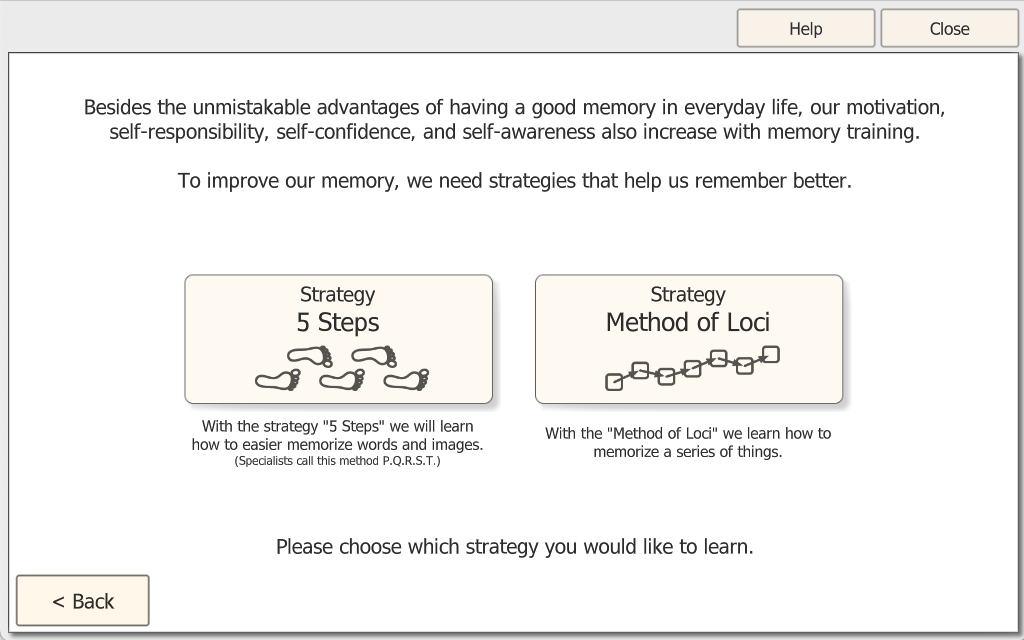
Strategy 1: "5 Steps" (PQRST method)
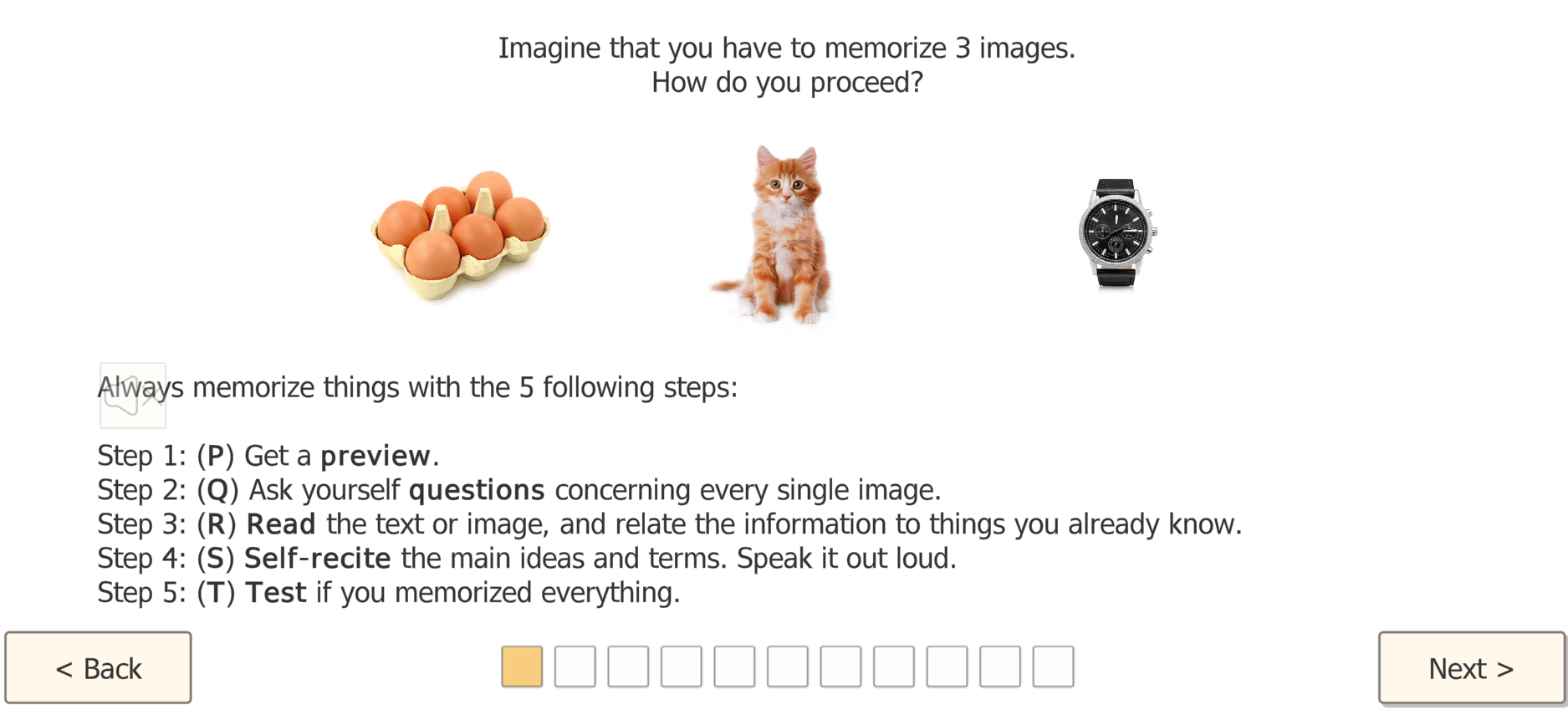
The client learns a repeatable routine and practices it with example items (texts and/or images):
Preview → Question → Relate/Associate → Self-Recite → Test
- P - Preview: Get a quick overview of what will be learned.
- Q - Question: Ask yourself simple questions about each item.
- R - Relate/Associate: Connect the new content to something you already know.
- S - Self-Recite: Say the key idea(s) out loud in your own words.
- T - Test: Check yourself immediately and correct errors.
Strategy 2: Method of Loci (Memory Journey)
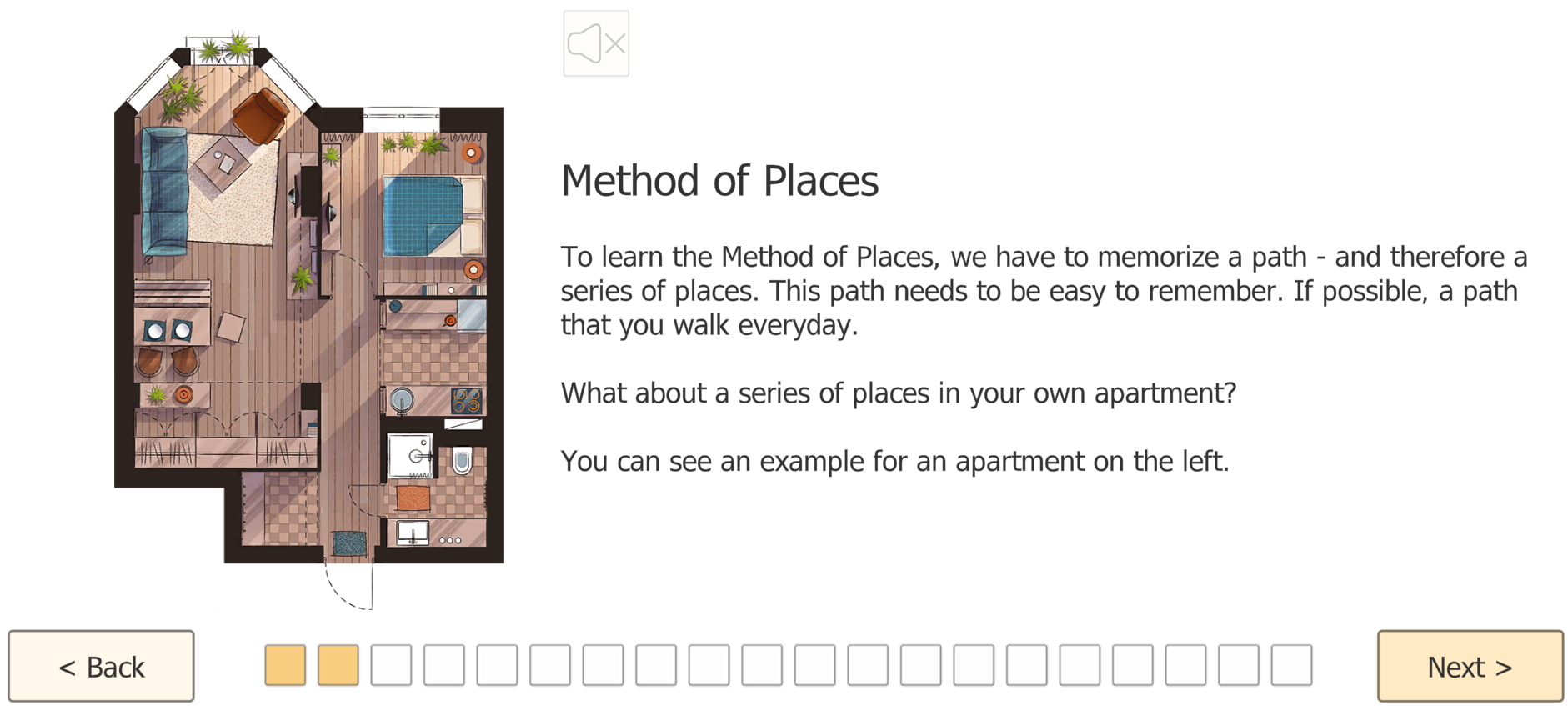
The client learns how to memorize a sequence by placing items along a familiar route (e.g., rooms in an apartment, daily path):
- A route is introduced (example layout shown).
- The client follows the route step-by-step and "anchors" items to specific places.
- In practice trials, the client recalls the correct order by mentally walking the route again.
Settings
Strategy selection: Choose which strategy to learn:
- "5 Steps" (PQRST)
- Method of Loci (Memory Journey)
Voice output (if enabled): Instructions and prompts can be read aloud to reduce reading load and support independent practice.
Level Progression
Guided learning → supported practice → independent use
- Starts with high guidance (explanation + examples).
- Practice becomes progressively more independent, with fewer prompts.
- Success is reinforced until the client applies the routine reliably without therapist cues.
Example Use Case
Post-concussion syndrome (PCS) in outpatient private practice: A 34-year-old client reports "brain fog," reduced concentration, and difficulty remembering workplace instructions after a mild TBI. The therapist introduces Learn It to teach a concrete routine for encoding information.
For home training, the therapist assigns short Learn It refreshers and combines them with additional HeadApp programs (e.g., working memory and attention modules).

Flip It: Short-Term Memory Training
Training Goal
Flip It trains short-term memory (encode → hold → retrieve) plus visual scanning and targeted selection under a clear cue (image or word). It is ideal for clients who struggle to keep recently seen information available long enough to find it again -- e.g., remembering where something was, matching a prompt to a picture, or staying on task despite interference.
What does the patient/client need to do?
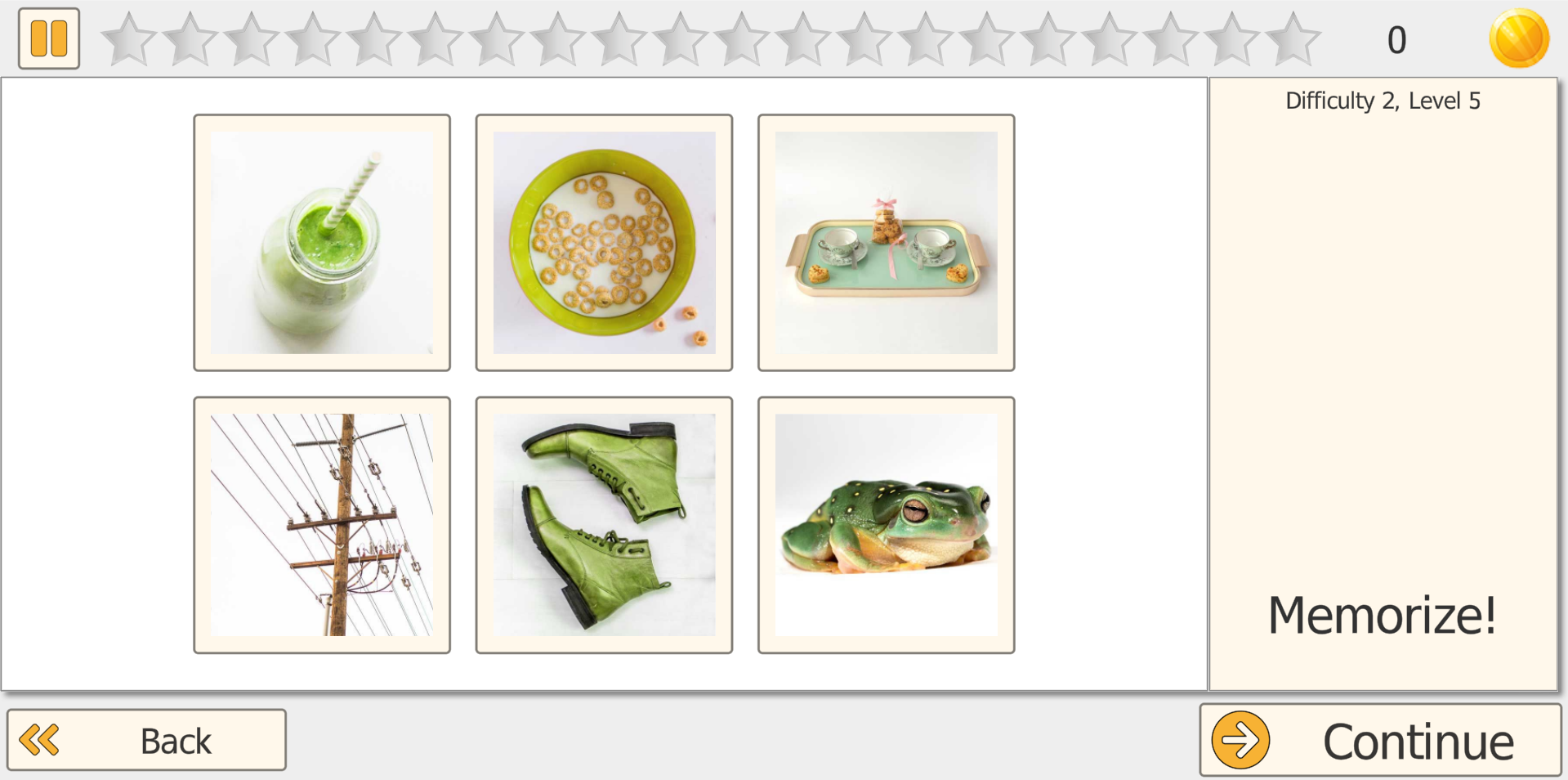
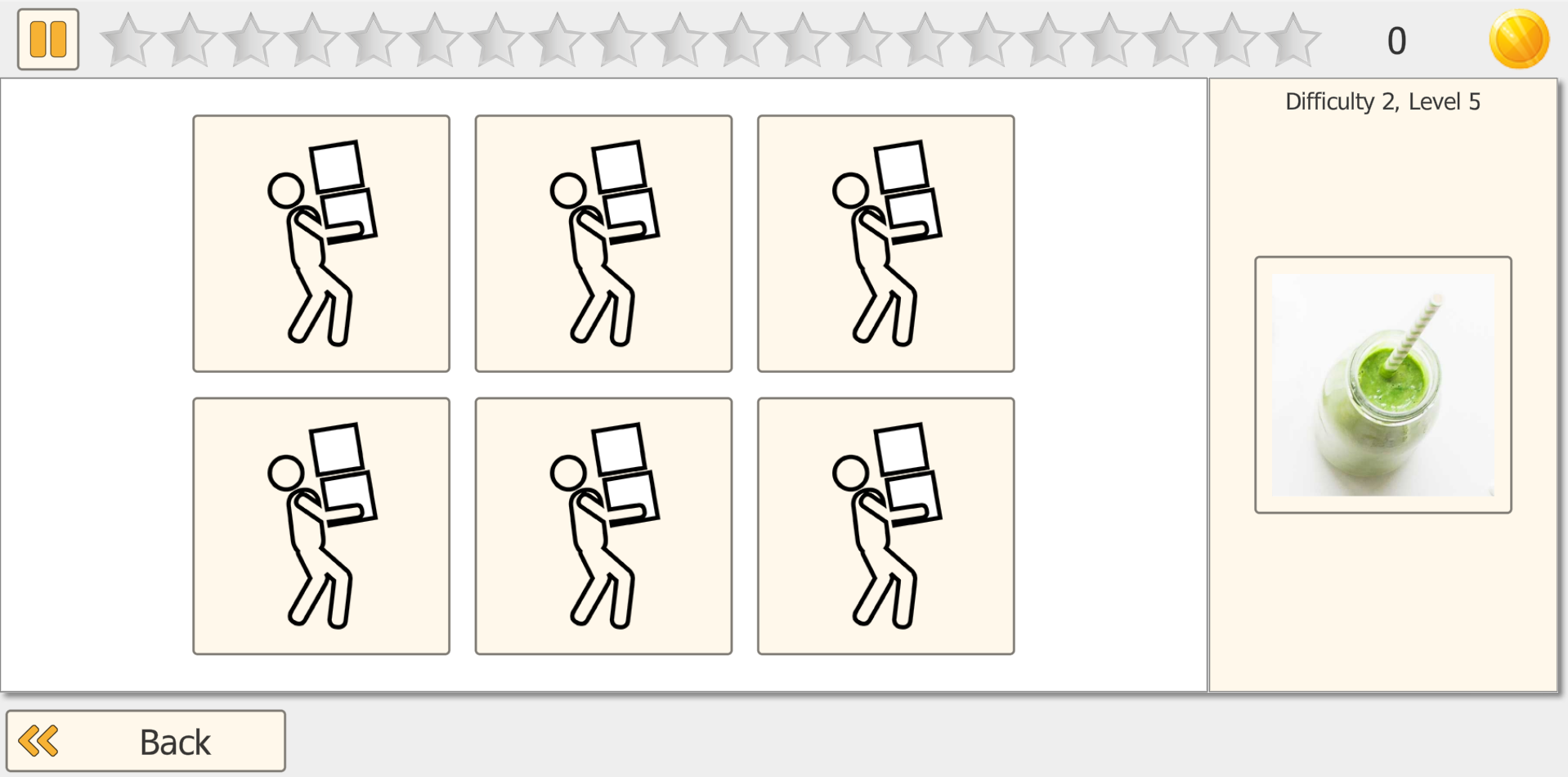
The patient first views a set of cards face up and memorizes what is shown and where it is located. The program then covers the cards. When prompted with a target (an image or a word, depending on the mode), the patient must tap/click the correct covered card position from memory. As difficulty increases, they must memorize more cards and more detailed image content.
How It Works
- Encoding phase: Cards are shown face up so the patient can memorize items and locations.
- Cover phase: The program turns cards face down.
- Recall/selection: A target is shown and the patient must select the correct card location.
- Feedback & scoring: Correct matches are reinforced, then the next trial starts.
- Adaptive progression: Difficulty automatically adjusts based on performance.
Training Modes
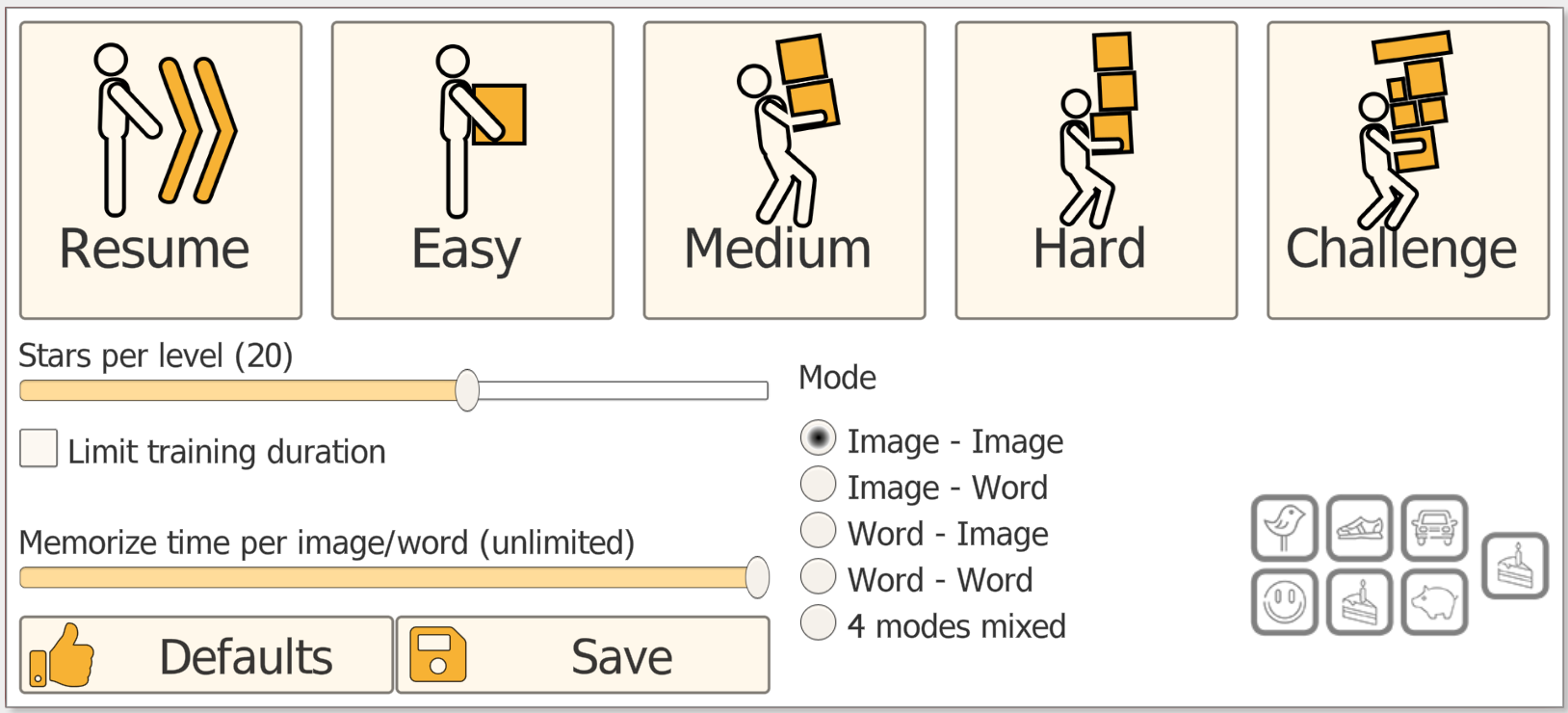
- Image → Image: Memorize pictures, select matching covered position.
- Image → Word: Memorize pictures, respond to a word prompt.
- Word → Image: Memorize pictures, select the position matching a word (especially relevant for aphasia).
- Word → Word: Memorize words, select matching word position.
- 4 modes mixed: Alternates modes to increase flexibility (use once performance is stable).
Settings
Stars per level: Define how many trials are completed before evaluation. More stars = more repetition and stronger consolidation; fewer stars = faster leveling for short sessions.
Training duration: Cap session length (10-60 min). Typical clinical use is 10-30 minutes, depending on endurance and attention quality.
Aphasia mode: When enabled, Flip It emphasizes image-word transfer, a key therapeutic feature for comprehension, lexical access, and semantic linkage.
Difficulty: 4 degrees (Easy, Medium, Hard, Challenge) with multiple levels inside each degree.
Level Progression
Fewer cards → more cards → more complex content
- Starts with a small set of distinct cards (low memory load).
- Progressively increases number of cards and image similarity.
- Mixed modes added once performance is stable to increase flexibility.
Therapist Tips
- Start with Image → Image to minimize language demands.
- For aphasia, start with Word → Image (comprehension-led).
- Increase memory load first, then add content complexity or mixed modes.
Example Use Case
Post-stroke / TBI: A patient with reduced short-term retention and slowed retrieval practices Flip It to rebuild the ability to hold recently seen information and locate it again under time pressure. The therapist starts with Image → Image at easy difficulty and gradually increases memory load.
Aphasia rehabilitation: For patients with word-finding difficulties, the Word → Image mode provides structured practice connecting words and images, strengthening comprehension and lexical access in a motivating game format.

Pair It: Short-Term Memory Matching
Training Goal
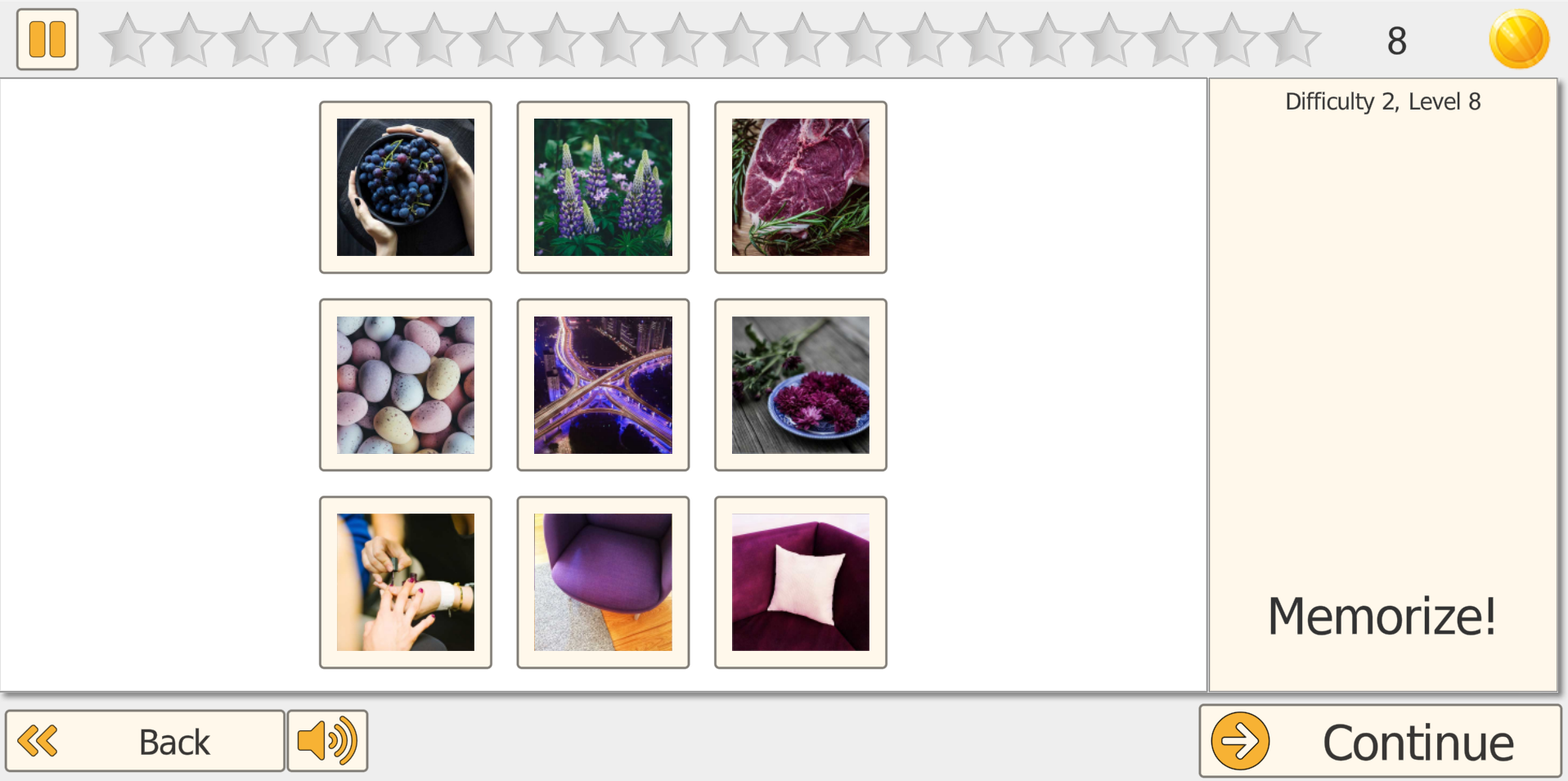
Pair It trains short-term memory and visual search by repeatedly encoding information, holding it briefly, and retrieving it during a structured matching task. With increasing difficulty, more and more items have to be memorized, increasing demands on attention, scanning, and recall.
What does the patient/client need to do?
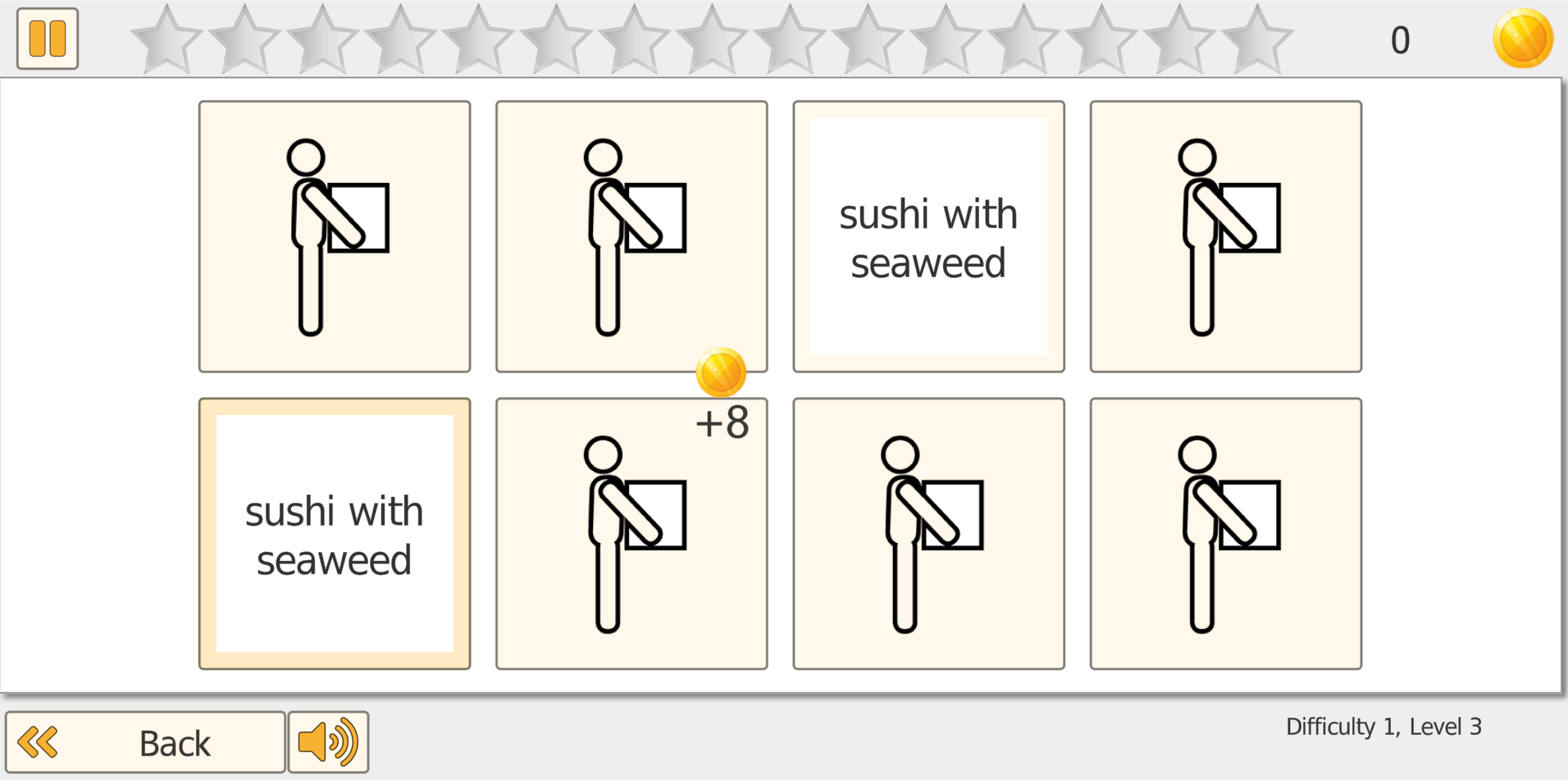
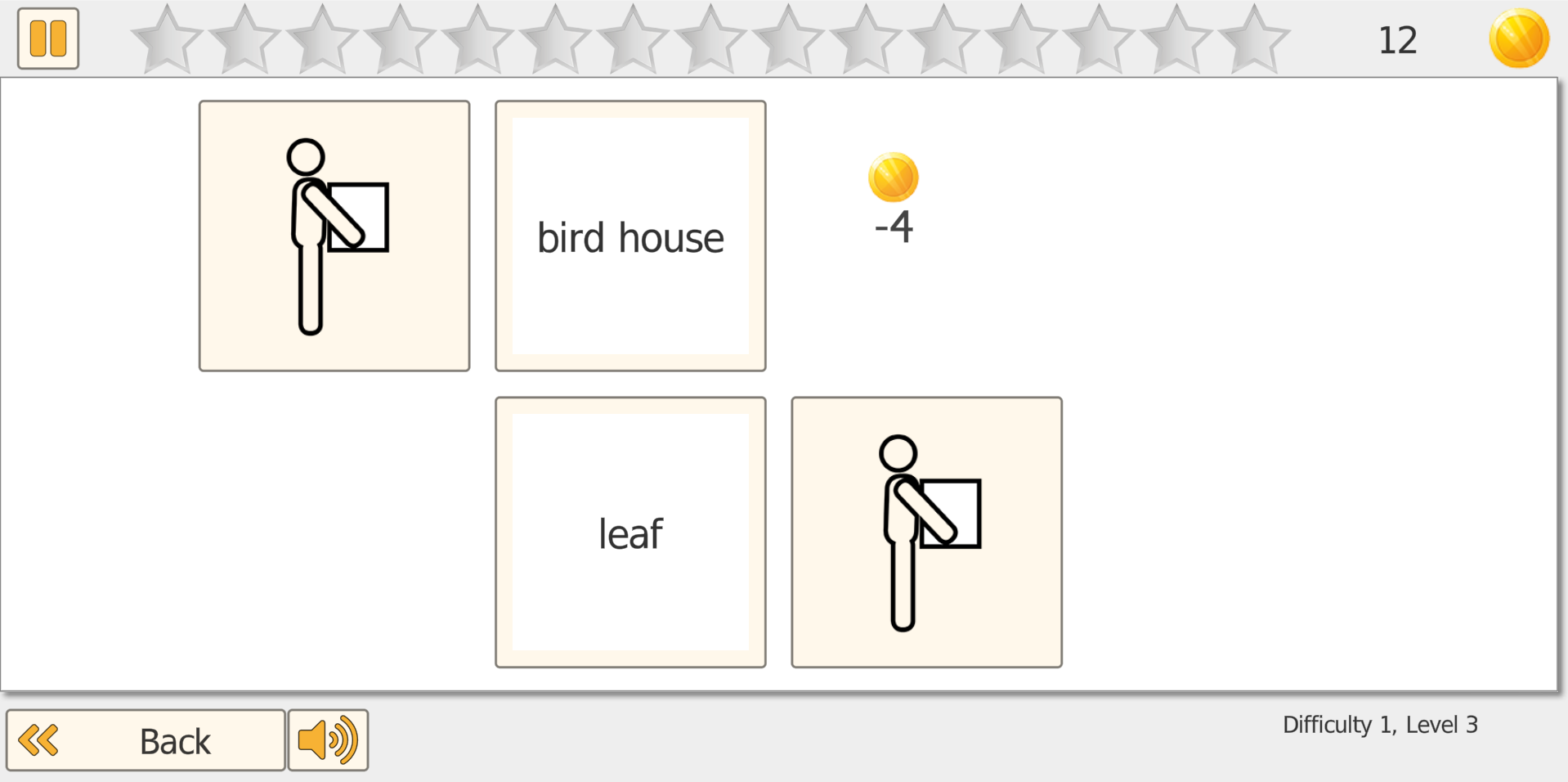
All cards start face down. The patient taps/clicks two cards to reveal them. If the two revealed cards match, they stay revealed (and the number of remaining face-down cards decreases). If they don't match, they flip back over. The task continues until all pairs are found.
How It Works
Difficulty adapts automatically based on performance. As levels increase, the grid becomes larger and memory load rises because more cards and more items must be tracked. The core mechanism stays consistent:
Reveal → Remember location/content → Retrieve the matching pair
- Cards are arranged in a grid, all face down.
- The patient reveals two cards per turn.
- Matching pairs stay revealed; non-matches flip back.
- The task ends when all pairs are found.
- Performance determines the next difficulty level.
Settings
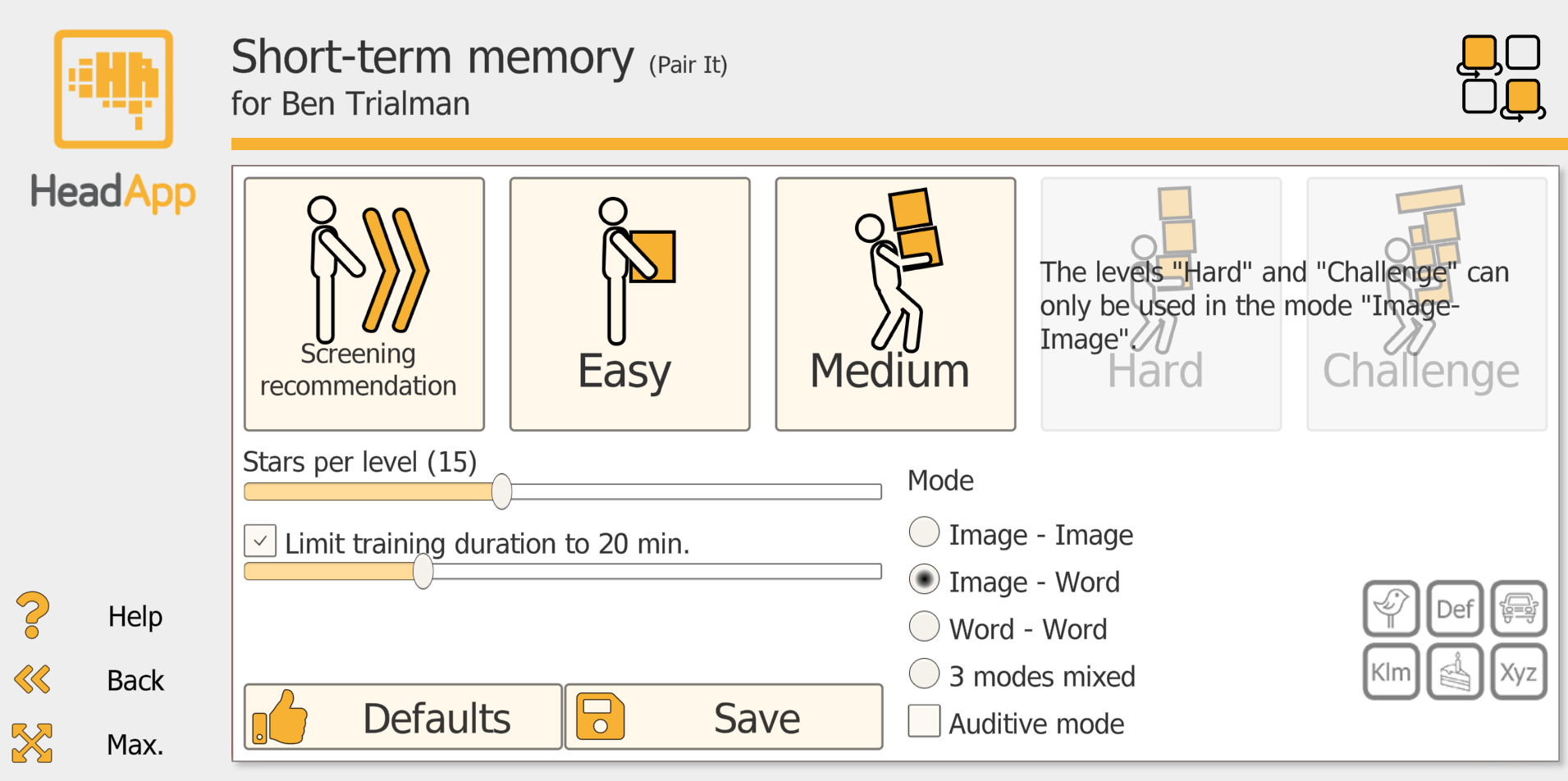
Stars per level: Define how many matching tasks must be completed before performance is evaluated. Strong performance increases the difficulty; weak performance can reduce it.
Training duration: Cap session length (max. 60 min). Typical clinical use is 10-30 minutes, depending on endurance and attention quality.
Mode selection: Choose the stimulus format (e.g., Image-Image, Image-Word, Word-Word, mixed modes).
Level Progression
Small grid → larger grid → higher memory load
- Starts with a small number of pairs (low memory load).
- Progressively increases grid size and number of items to track.
- Difficulty adapts automatically based on performance.
Example Use Case
Outpatient neurorehabilitation: A patient after stroke shows reduced short-term memory and becomes overwhelmed in longer tasks. The therapist selects a moderate board size and sets a 15-20 minute time cap. The patient is coached to use a consistent scanning pattern (left-to-right, top-to-bottom) and to verbally label items. Over multiple sessions, the therapist gradually increases the number of cards while monitoring fatigue, error rate, and efficiency for documentation and treatment planning.
Special education (SpEd): A teacher supports a student with learning difficulties and reduced short-term memory who struggles to retain new vocabulary. Pair It is used in Image-Word mode with a 10-15 minute cap to maintain attention. The student matches high-frequency words to pictures (e.g., classroom items, food, daily routines). As performance improves, the teacher increases cards and introduces more similar categories to strengthen retention and visual scanning.

Vita Mem: Semantic Memory Matching
Training Goal
Vita Mem trains visual short-term memory and long-term memory while strengthening semantic memory by linking specific items (motifs) to category labels (generic terms). It supports everyday cognition by improving how efficiently a patient/client can encode, consolidate, and retrieve meaning-based information.
What does the patient/client need to do?
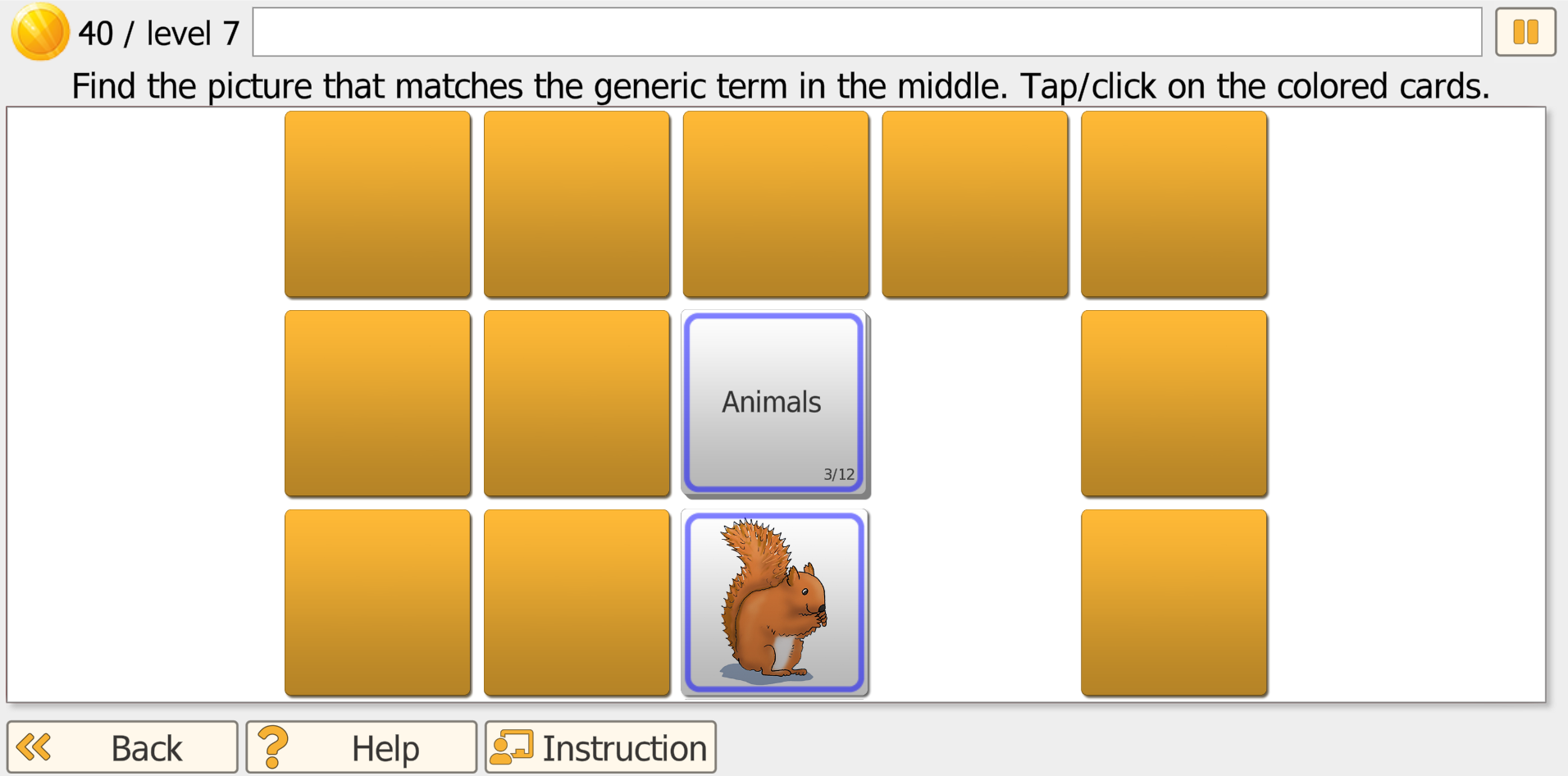
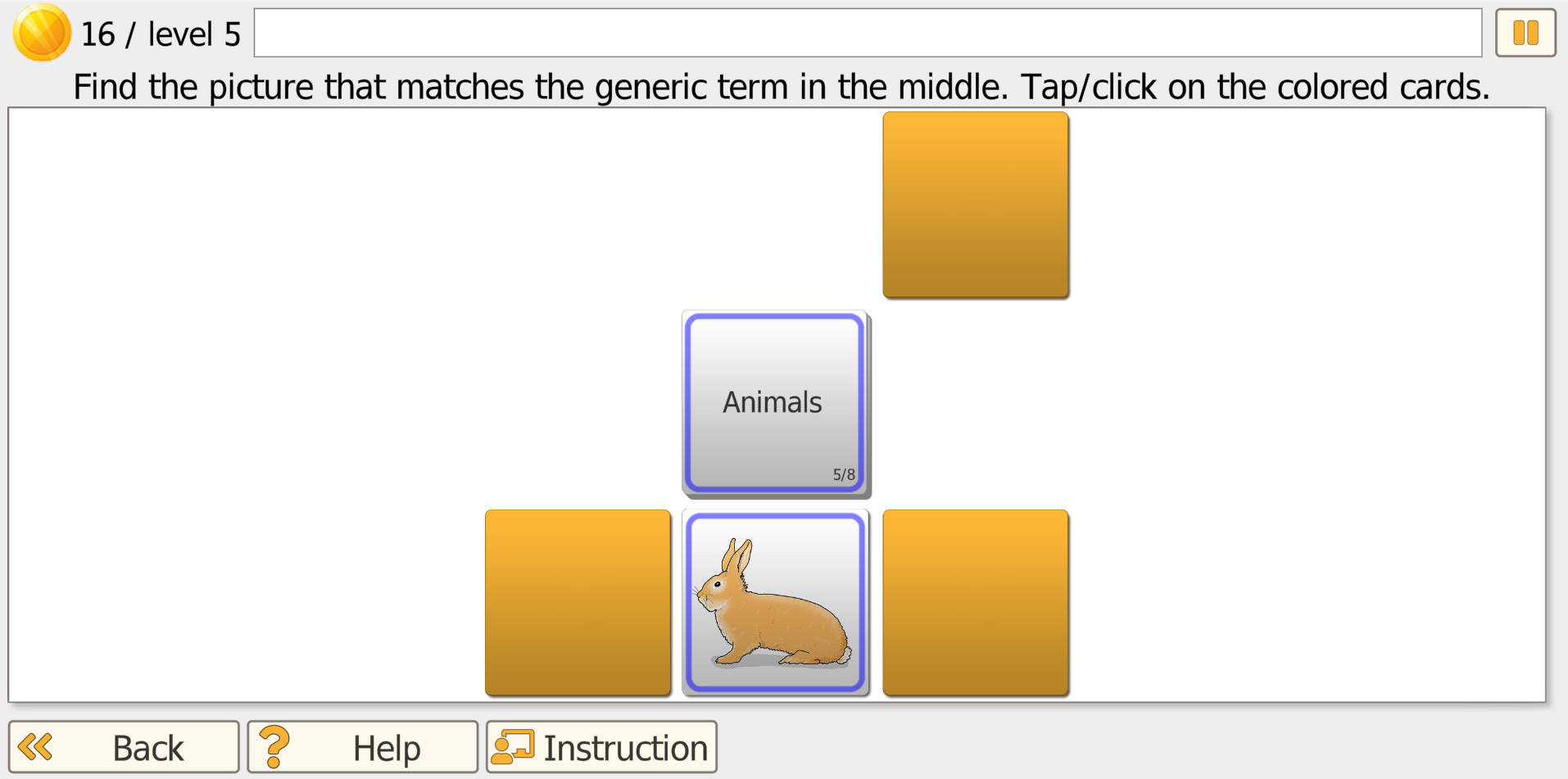
The patient sees a generic term (category) in the center (e.g., Furniture, Sports, Body care). Surrounding cards are face down. They tap/click cards to reveal motifs and must find the motif that matches the generic term. Correct matches remove or replace cards; incorrect choices are covered again and the patient tries another card.
How It Works
- A stack of generic term cards is shown in the middle; the top term is active.
- A set of motif cards is laid out around it (number increases with level).
- The patient flips one motif card at a time to decide if it matches the center term.
- If it matches, the game continues with the next generic term; if not, the motif is covered again.
- A round ends when matching motifs for all generic terms in the stack have been found.
Core Processes Trained
- Encoding: taking in the category + motif information efficiently.
- Consolidation: strengthening the memory trace through repetition across rounds/sessions.
- Retrieval: selecting the correct motif for a category under increasing difficulty and reduced cues.
Level Progression
Guided matching → stable load → increased flexibility → delayed retrieval
- Levels 1-9 (guided): Correct term + motif share the same outline color for strong cueing.
- Levels 10-15 (stable load): After a correct match, the motif card is replaced so the same number of face-down cards stays on screen.
- Levels 16-18 (flexibility): After a wrong choice, the center generic term changes, increasing set-shifting demands.
- Level 19+ (delayed retrieval): All cards are revealed for ~1 minute, then covered. The patient must find matching motifs from memory.
Session Planning
A typical session is ~20 minutes. For reduced endurance or severe impairment, shorter sessions (e.g., 10 minutes) can be more effective and less frustrating -- often with more frequent sessions per week.
Progress is saved automatically. The next session continues at the difficulty where the last session ended, allowing structured, measurable progression over time.
Therapist Tips
- Start at guided levels (1-9) for patients with significant semantic impairment.
- Use stable load levels (10-15) once basic matching is reliable.
- Introduce flexibility levels only when performance is consistent.
Example Use Case
Vocational rehabilitation / return-to-work: A patient returning to work after stroke, TBI, or long illness practices category-based information handling (e.g., tools, office items, safety equipment) to rebuild speed and accuracy for real-world sorting, stocking, and task preparation routines. The therapist can track whether the patient maintains performance as semantic complexity and delayed recall demands increase.
Experience the Memory Modules
Start Therapist Free Trial.
Try Learn It, Flip It, Pair It, Vita Mem, and all other programs.